Change Password
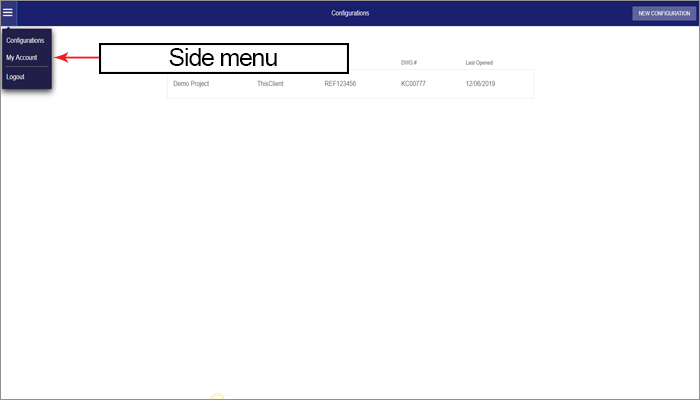
Should you wish to change your password, click on the three lines on the left hand side of your screen and select My Account.
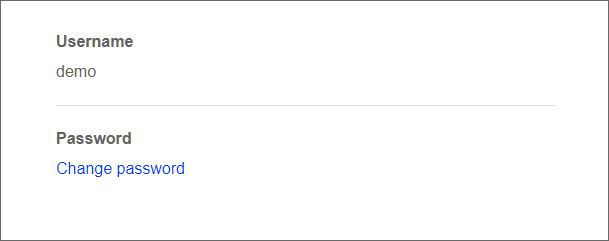
Click on Change Password.
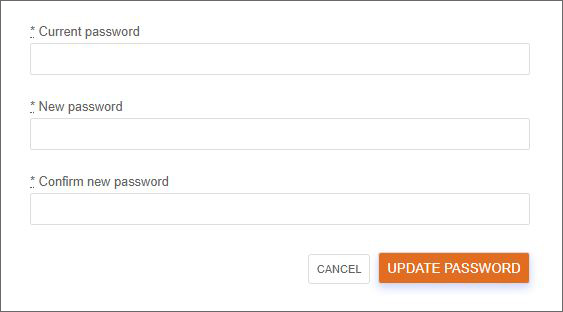
Enter your existing password and then your new password twice and then confirm it and click Update Password. Your new password will be applied.